Looker Studio has rolled out several updates in December 2024, enhancing user experience and platform functionality. Here’s a full look at the latest features and improvements:
New Filter Options for Date and Time Dimensions (Feature)
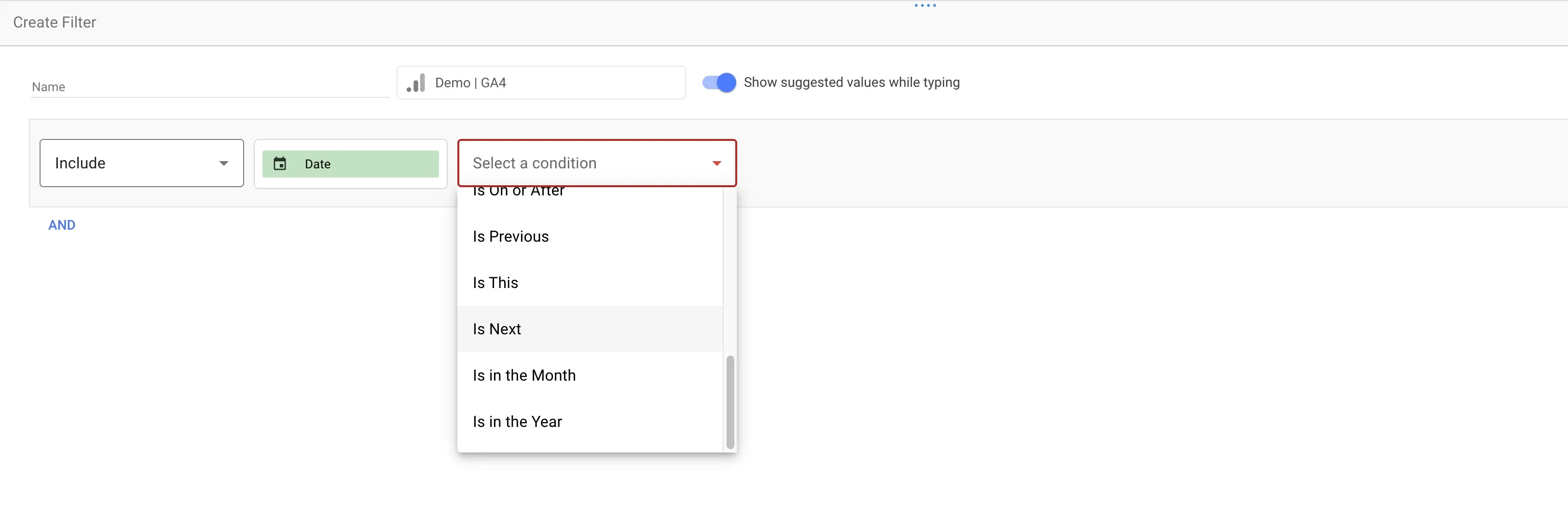
Report editors can now specify both a value and a unit of time for filtering date and time dimensions. The newly available filter conditions include:
| Filter Condition | Description |
|---|---|
| Is in the Last | Filters for data in the last specified time period. |
| Is Before | Includes data before a certain time or date. |
| Is On or After | Filters data starting from a specific time or date. |
| Is Previous | Focuses on the last completed time period. |
| Is This | Targets data in the current period (e.g., this month). |
| Is Next | Prepares for upcoming data within the next period. |
| Is in the Month | Filters data specific to a particular month. |
| Is in the Year | Filters data for a specified year. |
This enhancement enables more precise time-based data segmentation in reports.
Looker Connector Enhancements (Feature)
The Looker data sources now support an advanced filter option called “Matches (advanced)” for date and time dimensions. This feature brings greater flexibility to how you analyze and segment data.
Search Ads 360 Connector Field Name Updates (Changed)
To resolve naming conflicts, some fields in the Search Ads 360 connector have been renamed.
| Old Field Name | New Field Name |
|---|---|
| Conv. value | Client account conv. value |
| Conv. value / click | Client account conv. value / click |
The original Conv. Value field remains unchanged.
New Partner Connectors in the Gallery (Announcement)
The Looker Studio Connector Gallery has expanded significantly, with the addition of several partner connectors to enhance data integration capabilities.
| Connector | Provider |
|---|---|
| Heureka.cz náklady | METRIXANA |
| BigQuery | Windsor.ai |
| Pinterest Ads | Detrics |
| Recharge | Windsor.ai |
| Square | Windsor.ai |
| TrueClicks PPC Audit | TrueClicks |
| WorkMeter | WorkMeter, S.L. |
These additions streamline integration with popular platforms and improve data accessibility for users.
Looker Studio Labs (Announcement)
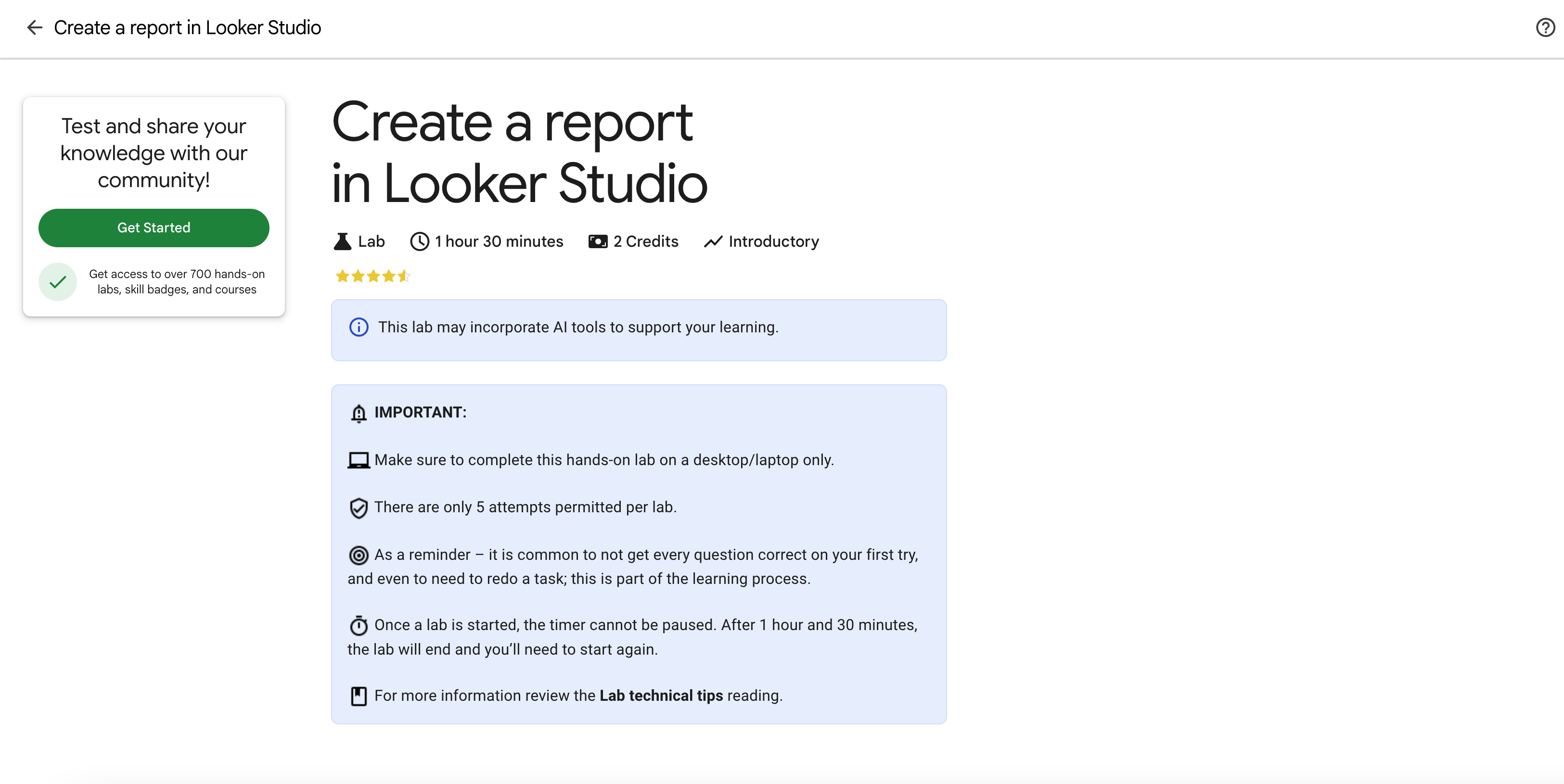
Two new Cloud Skills Boost Labs are now available for users to learn the basics of Looker Studio and Looker Studio Pro:
| Lab Name | Focus |
|---|---|
| Create a Report in Looker Studio | Learn how to build reports in Looker Studio. |
| Looker Studio Pro Essentials | Dive into advanced features of Looker Studio Pro. |
Conversational Analytics with Gemini (Announcement)
Looker Studio introduces a groundbreaking Conversational Analytics feature, powered by Gemini AI, that allows users to query their data in natural language.
How It Works:
- Go to Create > Conversation to start.
- Ask questions like:
- What were the sales in the last quarter?
- Show the trend of user sign-ups by week.
Why It Matters:
- No coding or technical expertise required.
- Answers are returned as clear visualizations (e.g., graphs or tables).
- Built-in Insights and Editability allow users to refine queries and explore further.
Requirements:
- Must have a Looker Studio Pro subscription.
- Gemini must be enabled by an administrator.
- Data sources should be connected, including BigQuery, Google Sheets, CSV, or Looker data.
Autogenerated Chart Titles (Feature)
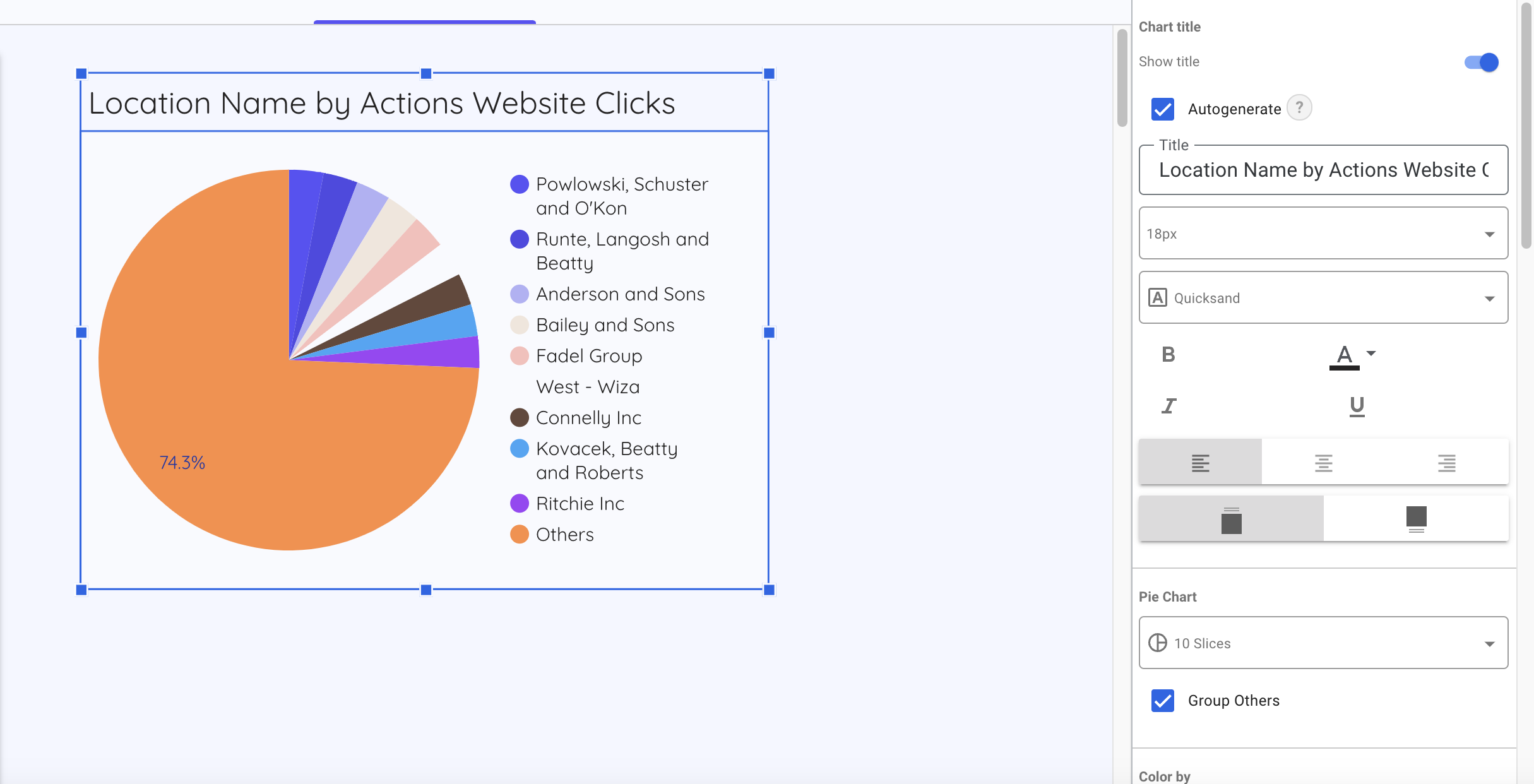
When enabling the Show Title option, Looker Studio now automatically generates titles based on the chart type and fields used. Users can still customize these titles to suit their needs.
Expanded Data Fields for Search Ads 360 (Feature)
The Search Ads 360 connector now includes additional data fields for visualization:
| Field | Description |
|---|---|
| Conversions (by conv. time) | Conversion metrics by timestamp. |
| All conversion rate | Overall conversion success rate. |
| Cost / client account conversion | Cost per conversion for each account. |
| Auction-time bidding insights | Data on real-time bidding strategies. |
| Currency code | Displays the currency for cost data. |
Stay Ahead with Looker Studio
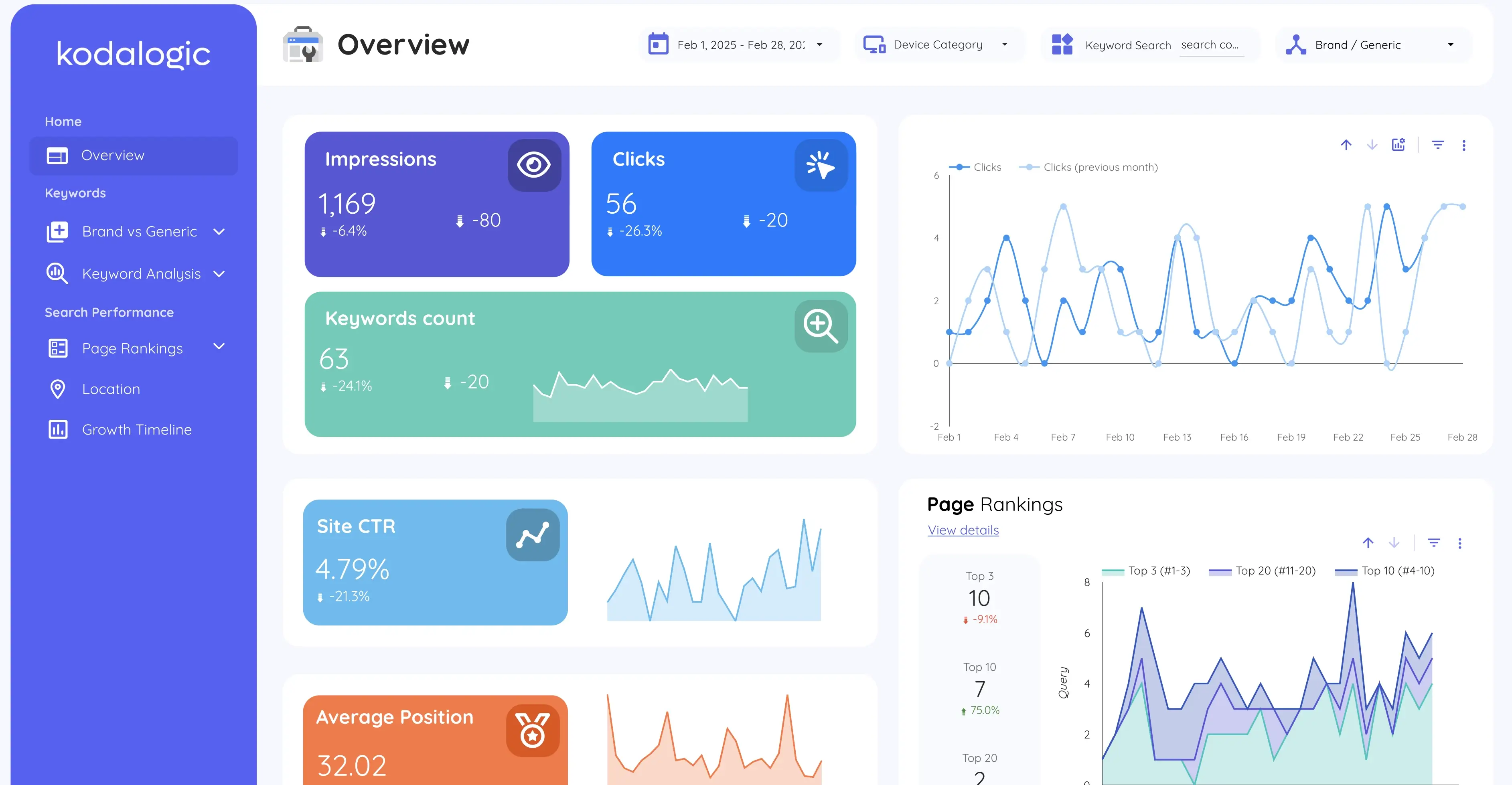
Looker Studio’s latest updates are all about making data more accessible, insightful, and actionable. Whether you’re an experienced analyst or just exploring what’s possible, these features are designed to simplify the way you work and help you focus on what really matters: making smarter decisions.
At Kodalogic, we’re here to make that journey even smoother. Our dashboards are crafted to take full advantage of these updates, seamlessly, beautifully, and ready to use.
💡 Connect your data in less than a minute and experience reporting as it should be: effortless, elegant, and clear.

Written by
Isaac CorreaHe runs the commercial side of Kodalogic and co-founded Hellomatik. Before that he built more than two hundred Looker Studio dashboards for clients, and collected 107 five-star reviews doing it.